Financial control built for those who run their own business. Track income by platform, control expenses and export PDF reports — in the palm of your hand, no internet needed. The agility of someone who can't afford to waste time.
30 days free · No commitment
From quick entry to professional report — no complexity.
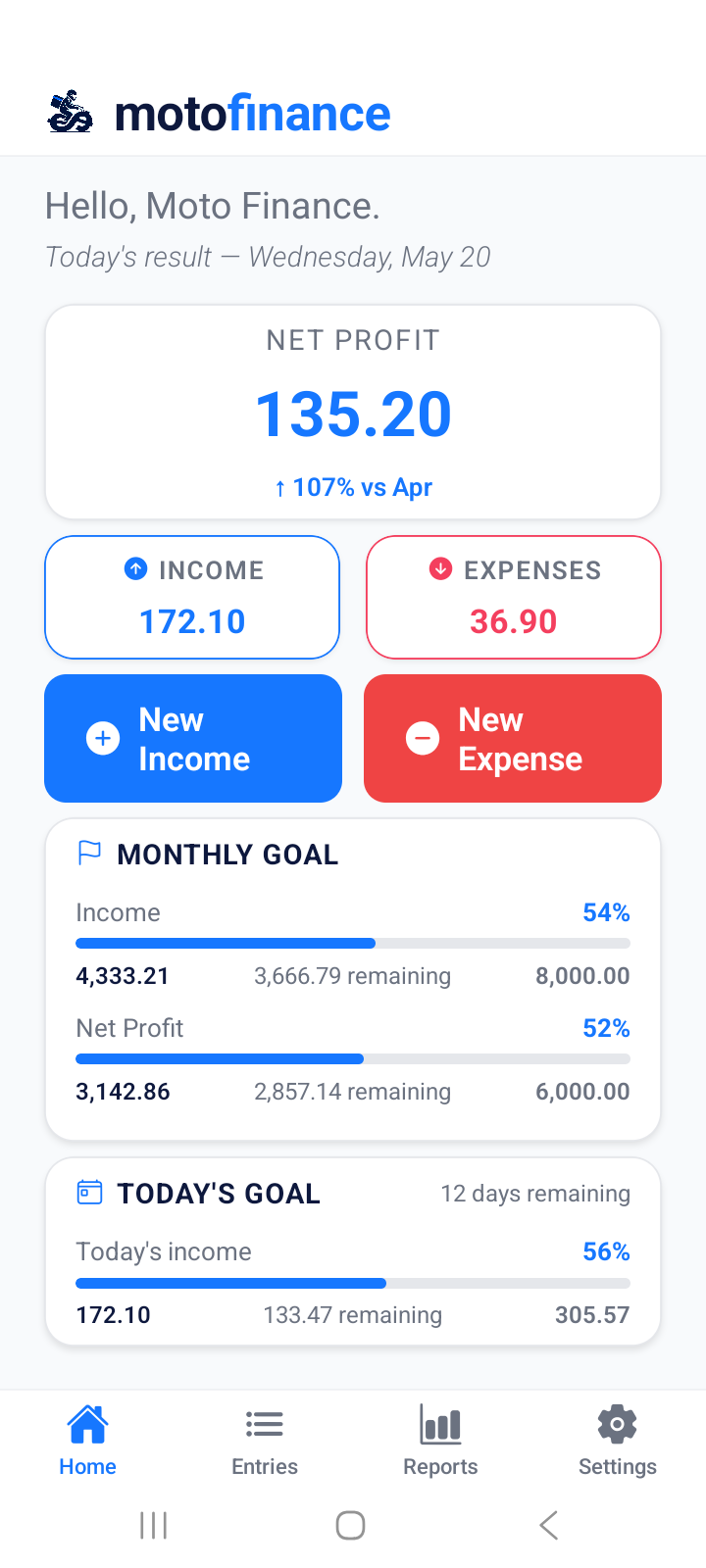
See today's net profit, monthly goal progress and real-time performance as soon as you open the app.
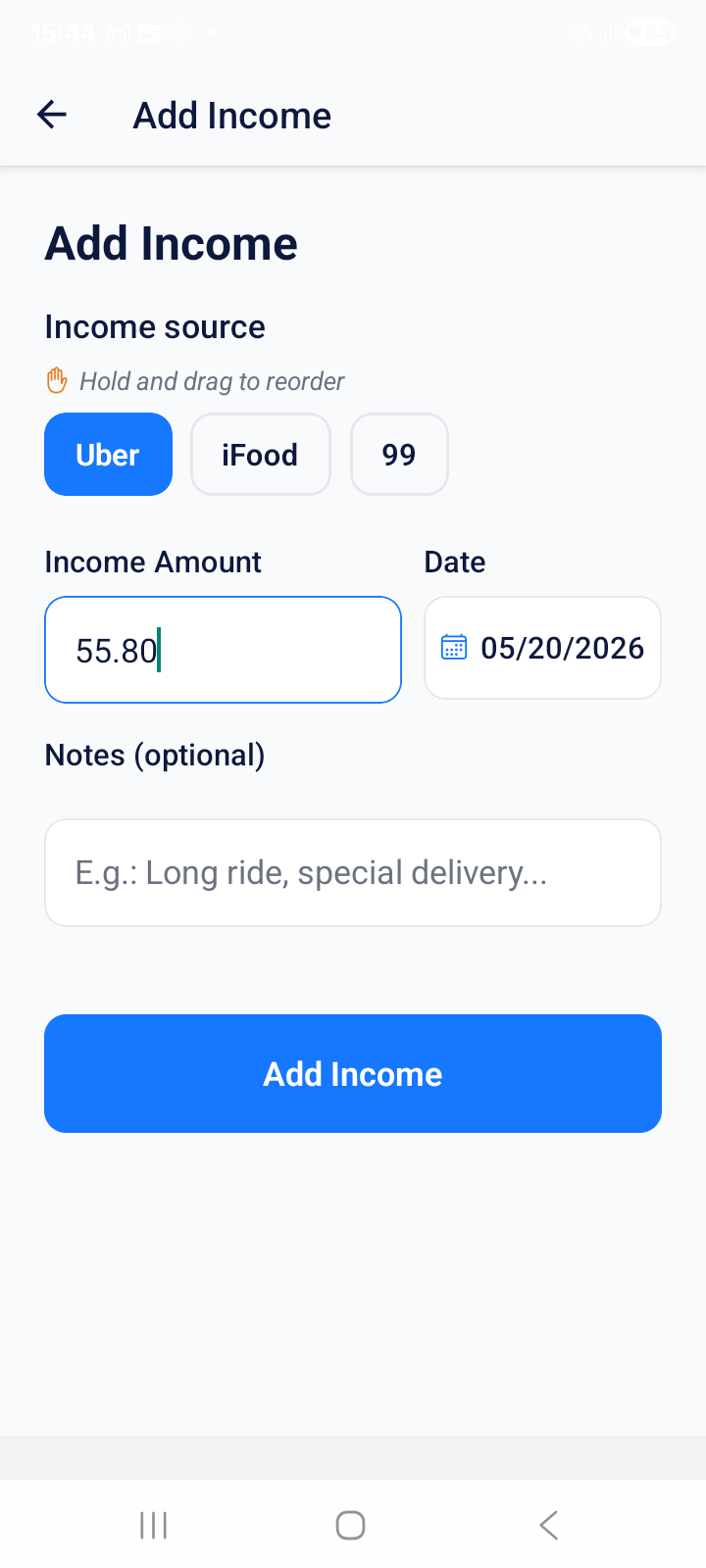
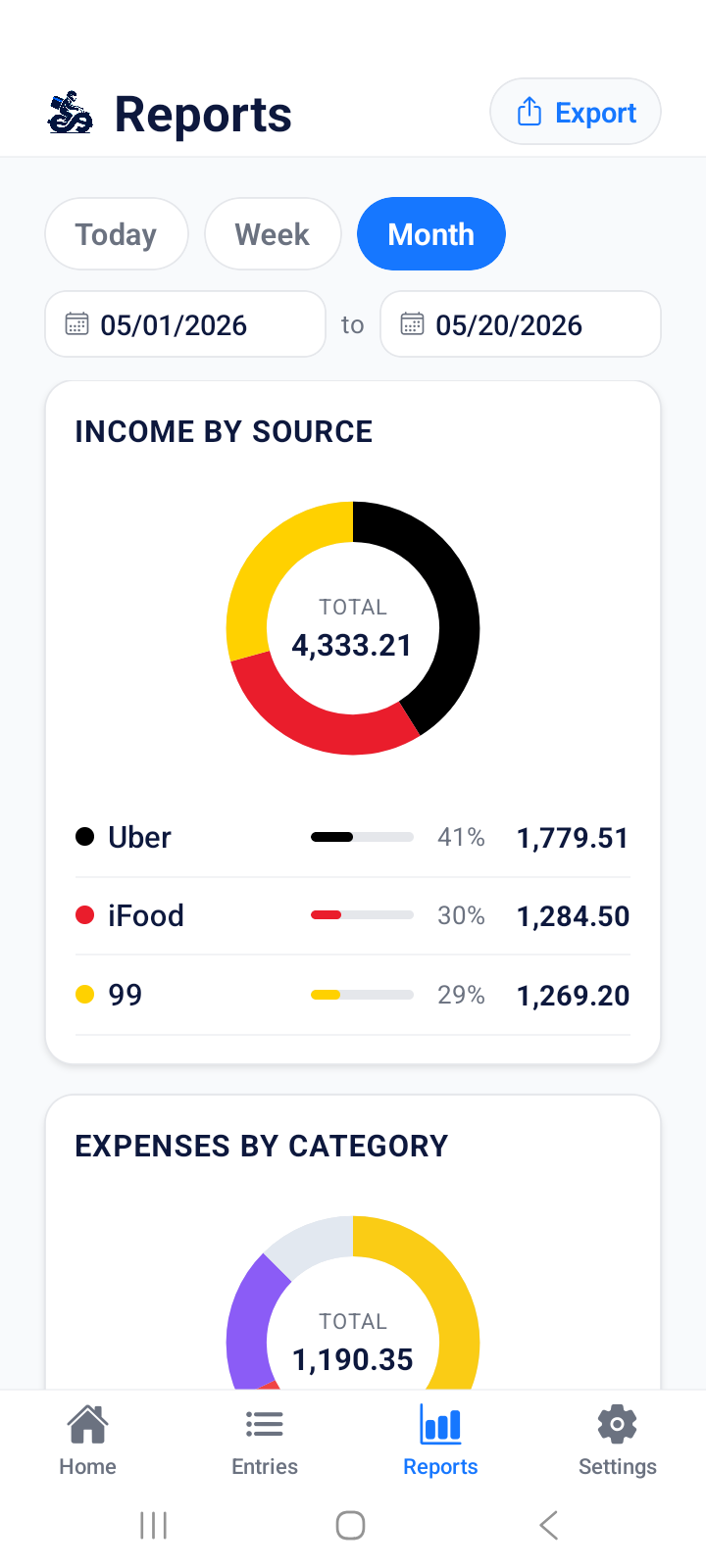
Log earnings from Uber, DoorDash, Instacart and others separately. Know exactly which platform pays more.
Fuel, maintenance, food, insurance — categorize everything and find out where your money goes.
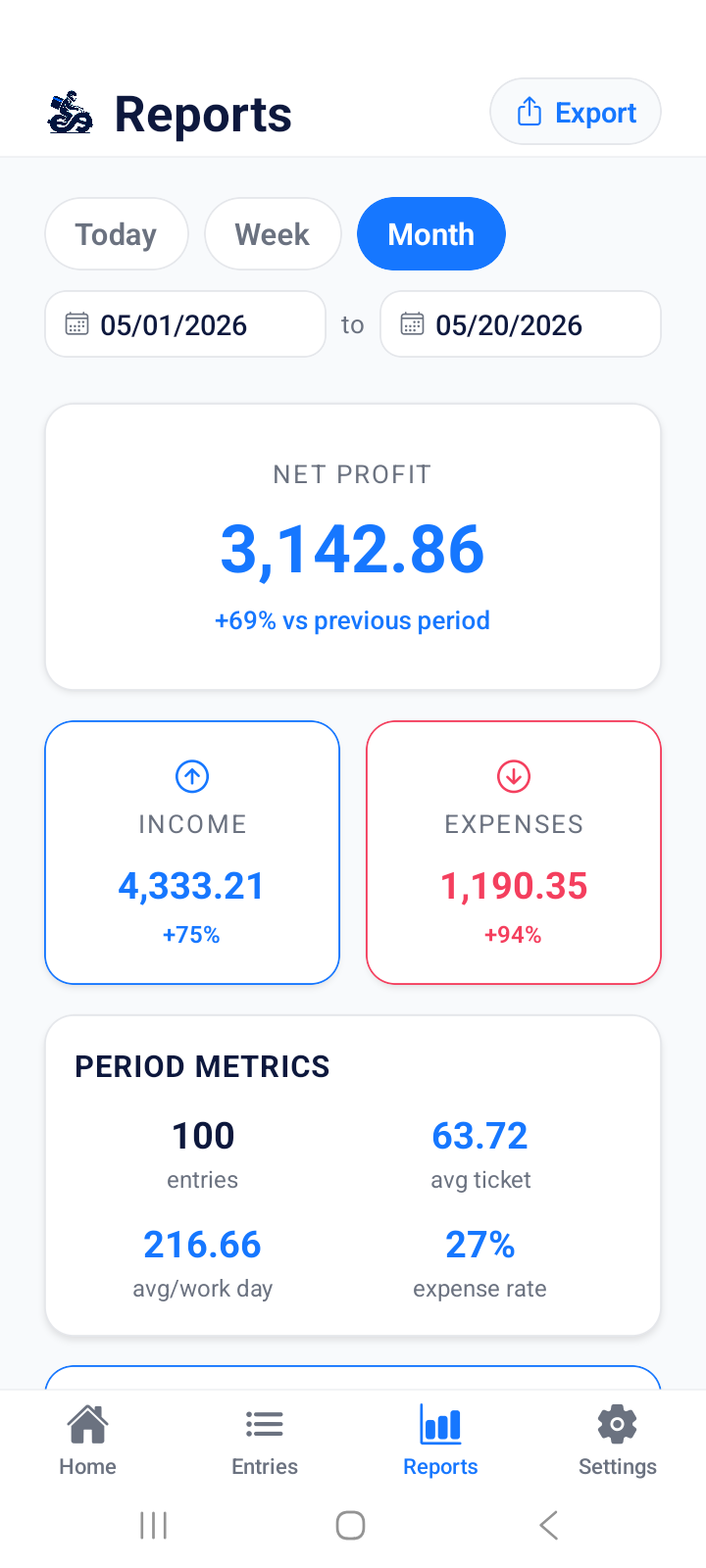
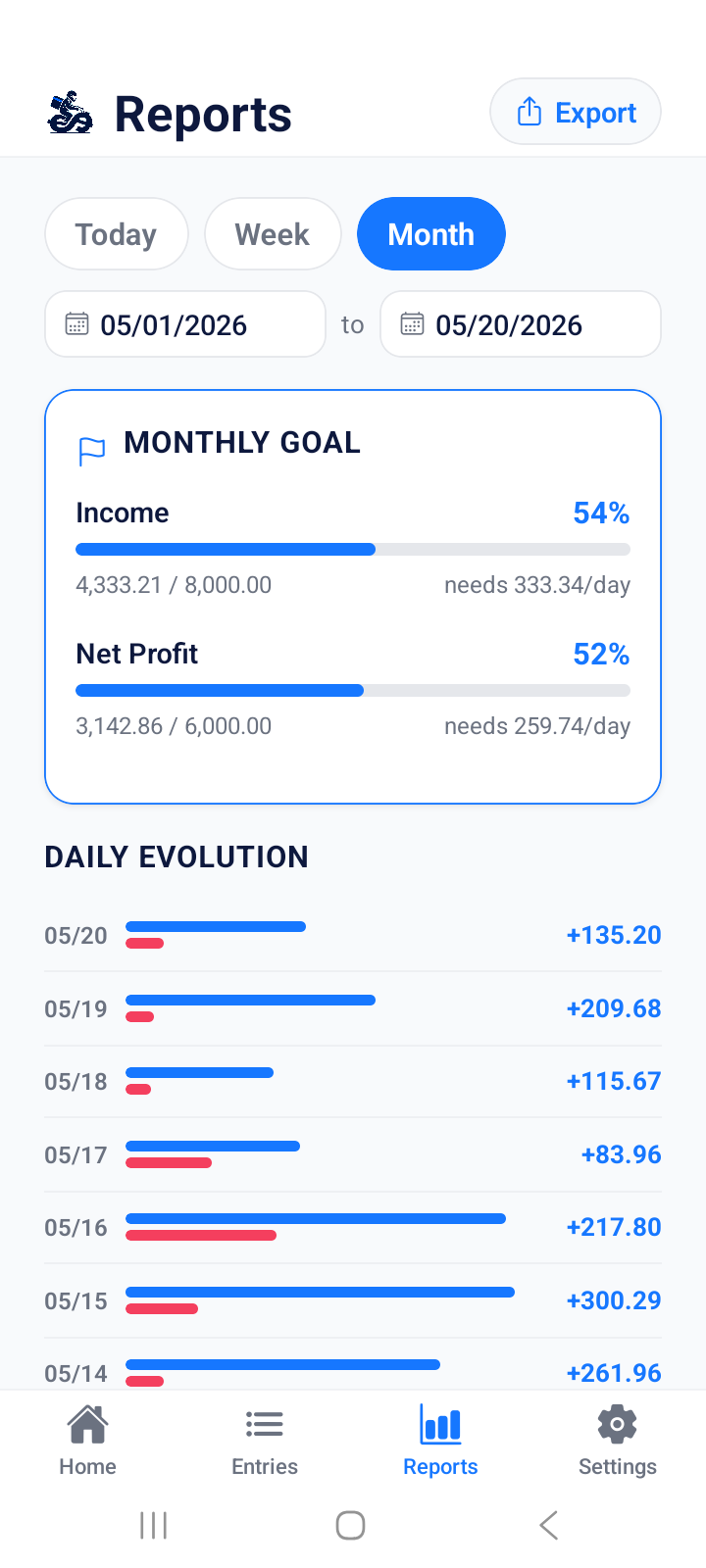
Daily evolution, income by source, expenses by category and monthly projections.
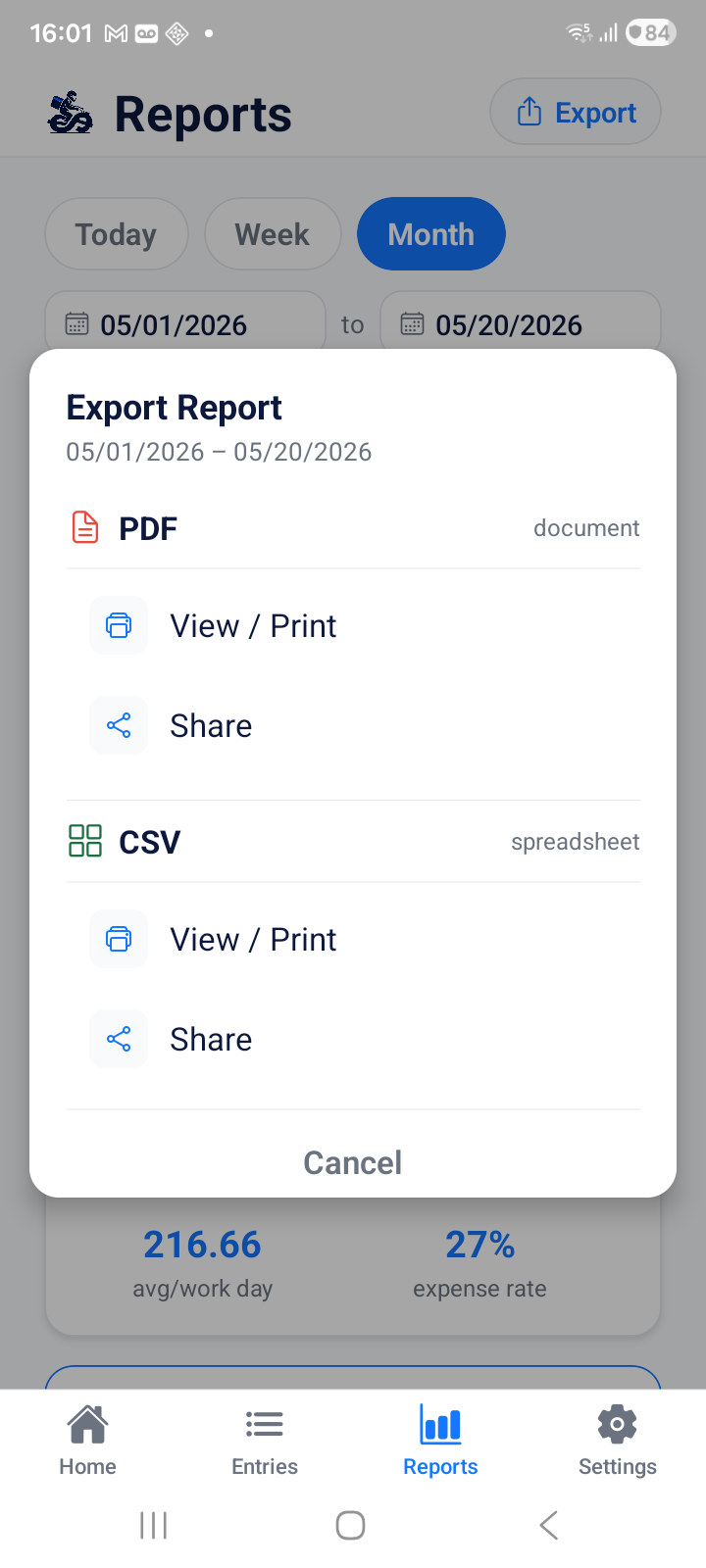
Professional income report with logo, generated in seconds directly on your phone.
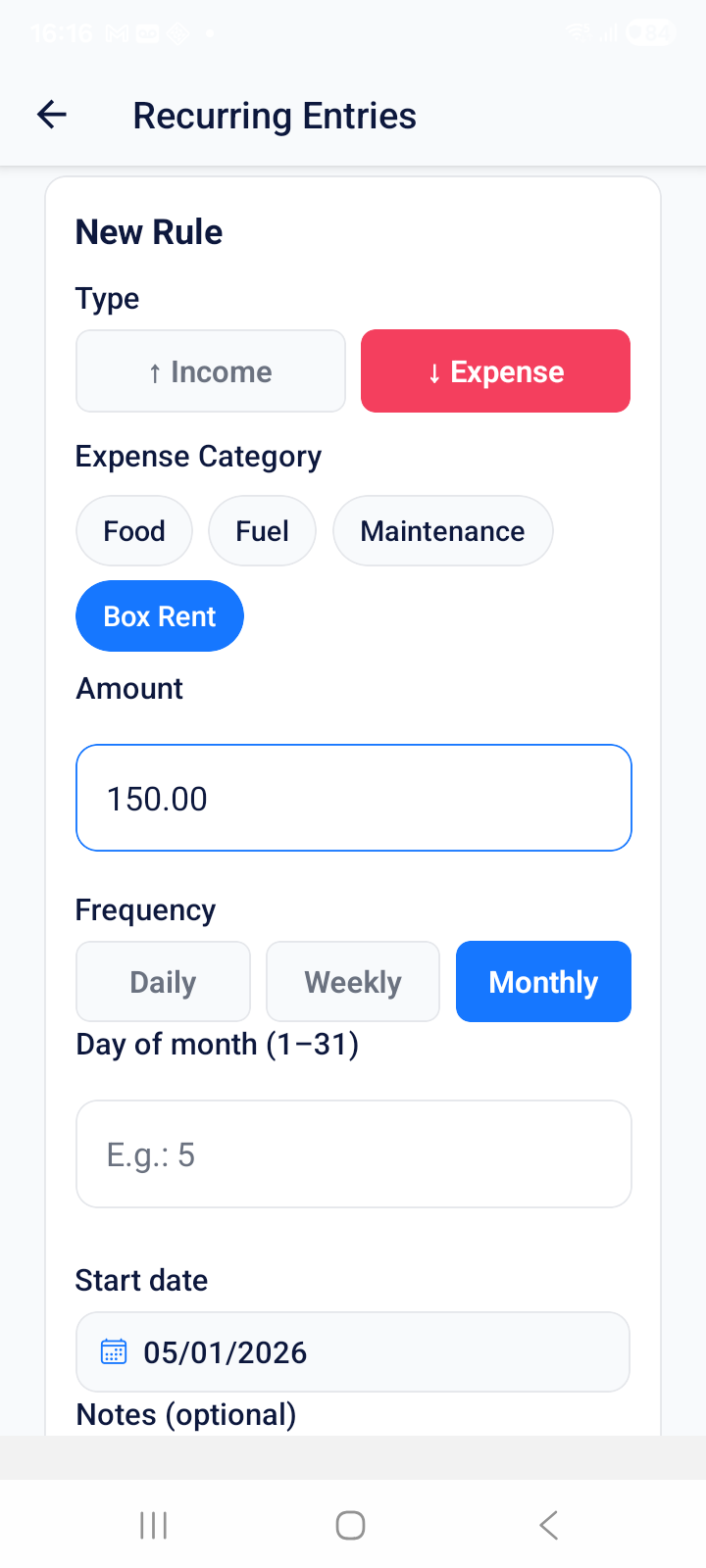
Rent, insurance, installments — set once and the app logs them automatically every month.
Set an income or profit goal and track progress in real time on the dashboard.
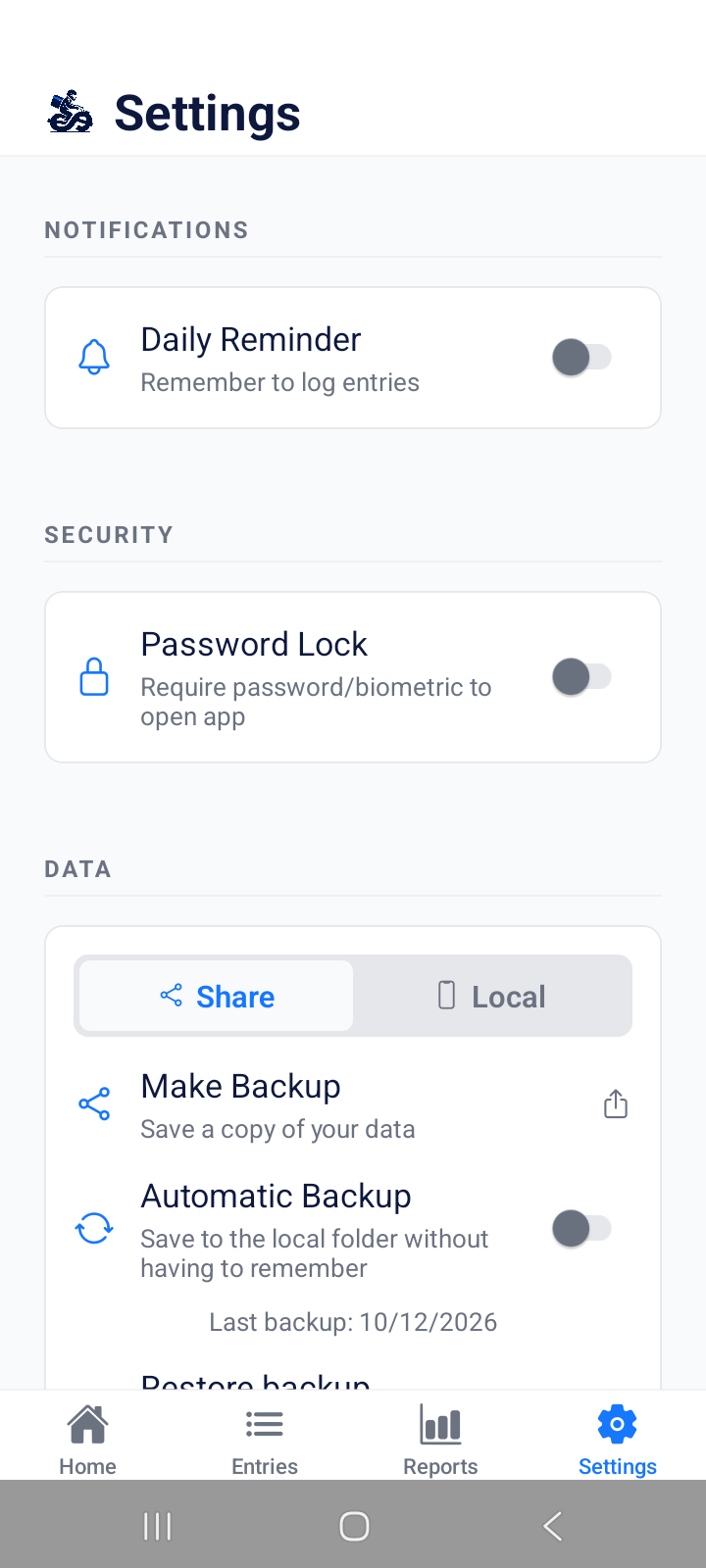
Your data stays only on your phone. Local or remote backup, protected with fingerprint or Face ID.
All features included. Try free for 30 days.
30-day free trial included in any plan · Cancel anytime via Play Store
Everything you need to know about MotoFinance, subscription and privacy.
Plans & Subscription
Yes. You get 30 full days to use MotoFinance without paying anything. Cancel before the period ends and you will not be charged.
The trial is managed by the Google Play Store. Google may require a payment method on file to activate the free period, but no charge is made during the 30 days. You can cancel at any time before the period ends.
The features are exactly the same. The difference is price only: the annual plan is billed once a year and saves you up to ~37% compared to 12 monthly payments. Both plans include the 30-day trial.
Open Google Play Store → tap your profile → Payments & subscriptions → Subscriptions → MotoFinance → Cancel subscription. You keep access until the end of the paid period. No cancellation fee.
If you have an active plan, the app continues normally. If you do not renew, the app enters read-only mode: you can view all your history, but you cannot add new entries until you subscribe to a plan.
You can check in Google Play Store → your profile → Payments & subscriptions → Subscriptions. You can also check inside the app under Settings → Subscription, which shows your current plan and next renewal date.
Yes. You can change your plan via the Play Store at any time. The price difference is prorated based on the remaining time in your current billing period.
Refunds are processed by the Google Play Store according to Google's refund policy. Generally, you have up to 48 hours after a charge to request a refund directly through the Play Store. We recommend using the 30-day trial before subscribing.
Contact us at contato@pcmctecnologia.com.br or call +55 (31) 9.9234.5000 to discuss special conditions for driver groups, associations or delivery cooperatives.
Features & usage
Completely. MotoFinance stores everything on the phone itself using a local database (SQLite). There is no connection to any server — the app works in airplane mode without any limitation.
Yes. The dashboard shows real-time net profit for the day, week and month, already deducting all recorded expenses. You can clearly see how much actually stayed in your pocket after fuel, maintenance, food and other costs.
The app comes with suggestions like Uber, DoorDash, Instacart, Rappi and tips, but you can create and customize any income source. If you work with a platform not on the default list, just add it in Settings → Income Sources.
Yes. The app includes default categories like Fuel, Maintenance, Food and Others, but you can create, rename and organize expense categories to match your own routine.
Yes. In Settings → Recurring Entries you can create daily, weekly or monthly rules for income and expenses. The app posts them automatically on the configured date — great for bike rental, equipment payments or health insurance.
You set a monthly income or profit goal. The app tracks your progress daily and shows how much is left to reach the target, with a visual progress bar. It helps you stay focused and know whether your current pace is on track.
Go to the Reports tab, select the desired period and tap "Export PDF". The document is generated on the phone with charts and metrics and can be shared via WhatsApp, email or saved to storage.
Yes. In addition to PDF, you can export data in CSV format — compatible with Excel and Google Sheets. Useful for custom analysis or reporting income for tax purposes.
Currently MotoFinance is available for Android (Google Play Store) only. An iOS version is being evaluated for the future.
Yes. The app automatically detects your phone language, but you can force a different language in Settings → Language. Options are Portuguese (PT-BR), English and Spanish.
Privacy & security
Yes. Your data never leaves your device. There is no MotoFinance server that stores or accesses it. We have no way to see what you record, because everything stays locally in your phone's SQLite database.
No. The app does not collect, transmit or store personal data on servers. The only information that reaches us is subscription management, handled by the Google Play Store. Read our Privacy Policy for full details.
No. MotoFinance does not request or use location, camera, microphone or contacts permissions. The only permissions used are storage access (to save and restore backups) and notifications (for recurring entry reminders, if enabled).
Go to Settings → Security → Enable PIN. You set a 4-digit code that will be required every time you open the app. If your phone supports biometrics (fingerprint or Face ID), you can enable that option in the same menu for quicker and safer access.
No. MotoFinance shows no ads, banners or promotions of any kind. The experience is completely clean — you pay for the subscription and use the app without interruptions.
Data & backup
Go to Settings → Backup & Restore → Export backup. You can save the file to phone storage, Google Drive or share it via WhatsApp/email for safekeeping.
Backup is manual — you decide when and where to save. We recommend backing up weekly or whenever you log many entries. Since data is stored only on your phone, backup is the only way to protect it if something happens to the device.
If you made a backup beforehand, just install MotoFinance on the new phone and restore the backup file in Settings → Backup & Restore → Restore. All your history will return exactly as it was.
The subscription is linked to your Google Play account and can be used on the phone associated with that account. To use on another device, export the backup from the current phone and restore it on the new one. Data is not automatically synced between devices.
Yes. Restoring replaces the app's current data with the backup file's data. So if you already have entries on the new phone that were not included in the backup, they will be overwritten. If in doubt, export a new backup before restoring.
Our team is ready to help. Send an email and we will reply within 48 business hours.
✉ Contact supportNo commitment. Cancel anytime via the Play Store.
Get it on Google PlayAndroid 8.0 or higher · No ads